
Spring Special Limited Time 70% Discount Offer - Ends in 0d 00h 00m 00s - Coupon code = getmirror

Pass the Adobe Workfront AD0-E911 Questions and answers with ExamsMirror

Practice at least 50% of the questions to maximize your chances of passing.
Exam AD0-E911 Premium Access

View all detail and faqs for the AD0-E911 exam


854 Students Passed

86% Average Score

91% Same Questions
Viewing page 1 out of 3 pages
Viewing questions 1-10 out of questions
Questions # 1:

A company expects managers to complete a Workfront Business Case and submit it to the Project Sponsor for approval before a project enters Planning status.

What Workfront process will effectively facilitate the Project Sponsor review?

Options:

A.

Request Approval Process

B.

Request Submission Process

C.

Project Submission Process

D.

Project Approval Process

Questions # 2:

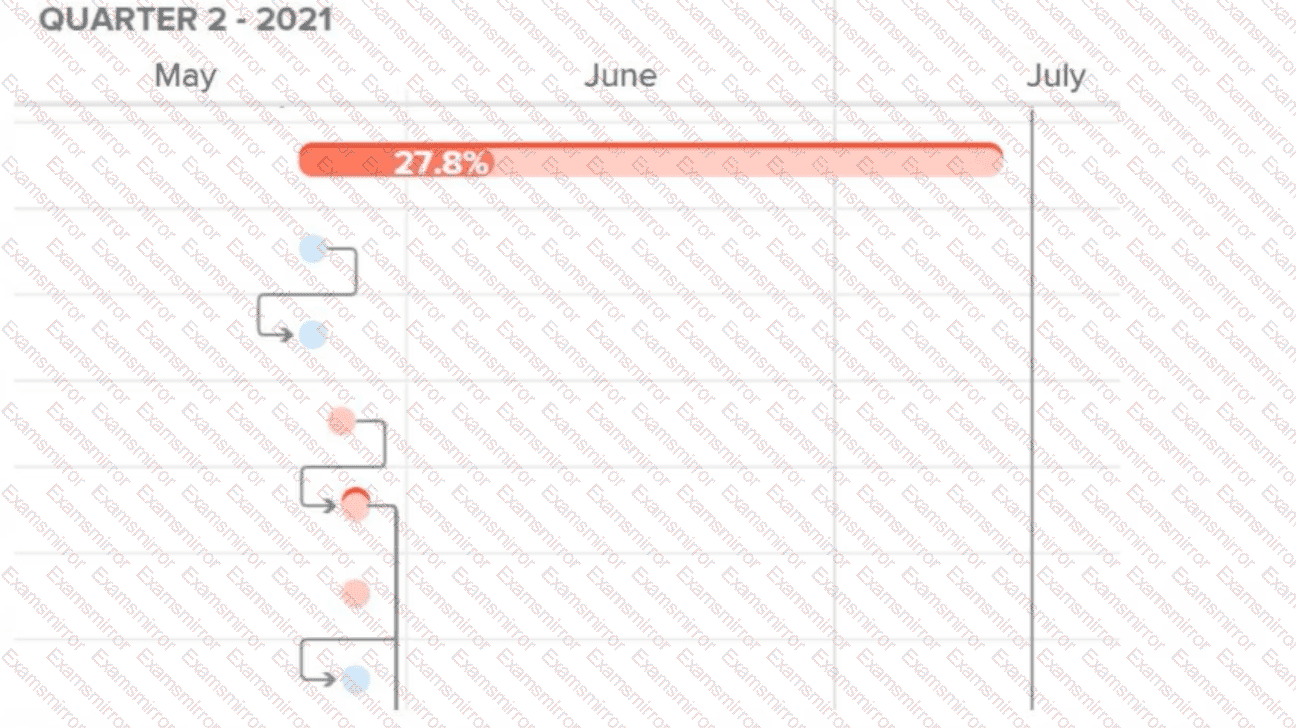
A portfolio manager has inadvertently given too much access to all the projects in their portfolio to Program Manager A.

How does the portfolio manager rectify the situation to ensure that Program Manager A has Manage access only on their own program?
Options:

A.

Share the program with Program Manager A with Manage access and ensure the system administrator adjusts Program Manager A ' s access level.

B.

Share the program with Program Manager A with Manage access and ensure Program Manager A understands they cannot manage the rest of the portfolio.

C.

Share the program with Program Manager A with Manage access and remove Program Manager A ' s Manage access on the portfolio.

Questions # 3:

Question # 3

Identified in red on a Gantt chart, what are the tasks called whose changes may affect the overall timeline of a project?

Options:

A.

Critical Path

B.

Baselines

C.

Milestones

Questions # 4:

How would a project manager create a custom Workfront report to show information about issues logged to the projects they own?

Options:

A.

Visit the Dashboard page, create a new Issue report, and update the Issue Owner ID filter with their name, and group by project name.

B.

Visit the Reports page, create a new Project report, update the Project Owner ID filter with their name, and add a column for issues.

C.

Visit the Reports page, create a new Issue report, update the Project Owner ID filter with their name, and group by project name.

Questions # 5:

A company has decided that all projects for the year need to be created from templates and staffed in the following quarter. The projects will need to remain in a backlog until the team has capacity to work on them. There has been confusion previously because the team used Planning status for all work not started.

What should the project manager do to help the team see the difference between work in the backlog versus work that is now being planned?

Options:

A.

Load the project template once the team has bandwidth to start on the project.

B.

Create projects but leave the roles in place without assigning users.

C.

Create a custom status for Backlog to use prior to using the Planning status.

Questions # 6:

A team lead wants to see all hours that have been logged this month by members of the team lead’s home team, organized by project. How should the team lead create this view?

Options:

A.

Navigate to a specific project and open the Hours tab. Filter the view by Owner > Home Team ID > Equal > [Name of Home Team] and Hour > Entry Date > This Month. Repeat on all projects in which team members are assigned.

B.

Visit the Reports area and create a new Hour report. Add the filters for Owner > Home Team ID > Equal > [Name of Home Team] and Hour > Entry Date > This Month. Group the results by Project > Name.

C.

Visit the Reports area and create a new Hour report. Add the filters for Hour > Entry Date > This Month and Project Status > Equal > Complete. Group the results by Project > Name.

D.

Visit the Teams landing page and on the Workload Balancer select the users ' home team. Add the user filters for Task > Actual Start Date > This Month, click Apply. Update view settings and toggle on the Show remaining time setting.

Questions # 7:

Taking into consideration any applied task constraints, a project manager needs to know the date that a task is likely to be finished based upon the current progress of the task and its predecessors. Which date type should the project manager utilize?

Options:

A.

Projected Date

B.

Planned Date

C.

Estimated Date

Questions # 8:

A project manager is managing a project and realizes a task is delayed. They want to see how downstream tasks are impacted.

Which feature of the Gantt chart will help them understand this?

Options:

A.

Actual Dates

B.

% Complete

C.

Critical Path

Questions # 9:

A project manager would like to assign tasks across projects to a team without having to navigate to each project.

How can the project manager do this?

Options:

A.

Assign work using the Resource Planner.

B.

Assign work by drag-and-drop.

C.

Assign work in bulk.

Questions # 10:

Which project status defaults the project condition to On Target?

Options:

A.

In Progress

B.

Idea

C.

New

Viewing page 1 out of 3 pages
Viewing questions 1-10 out of questions
TOP CODES

TOP CODES

Top selling exam codes in the certification world, popular, in demand and updated to help you pass on the first try.